
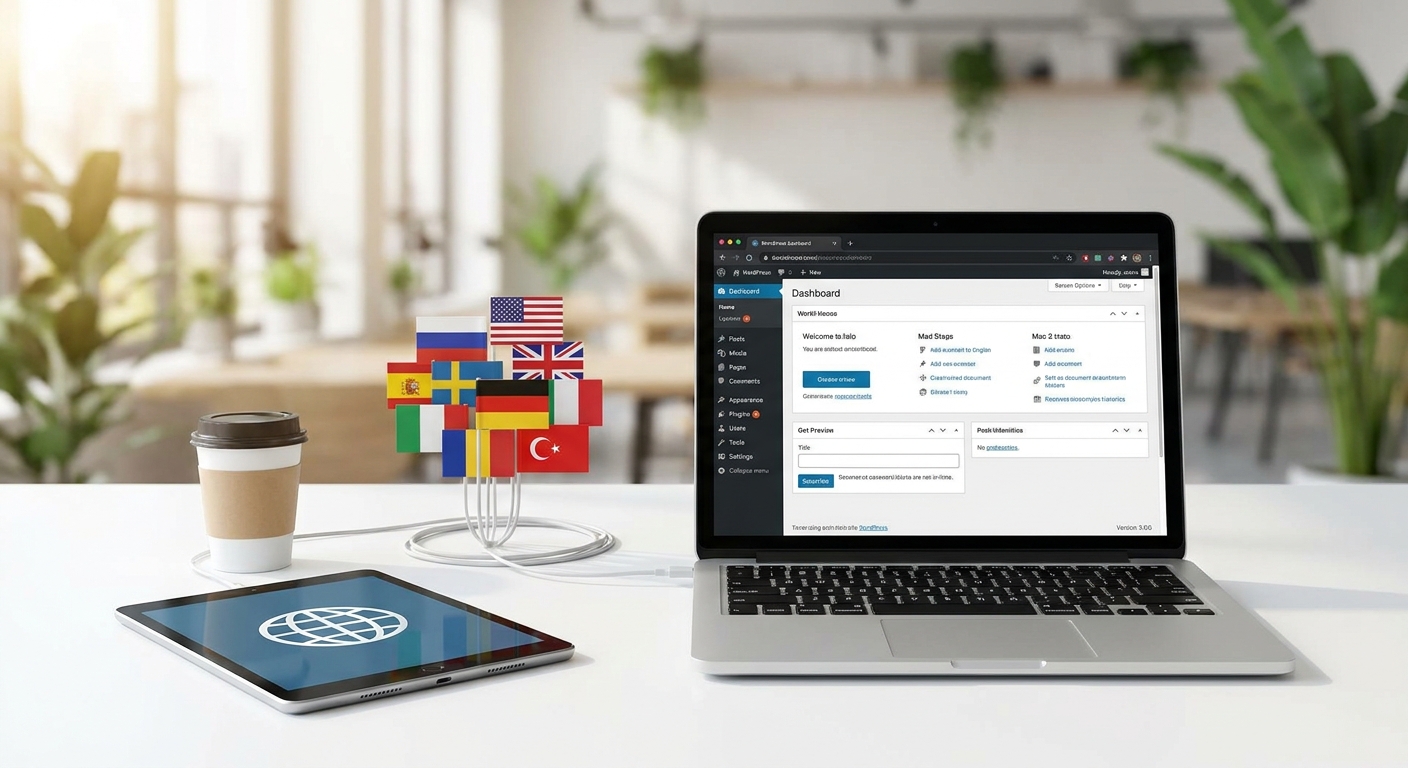
Do you want to expand the reach of your WordPress website to a global audience? Learning how to implement a system of wordpress translate effective is crucial. With WP-Translate, transforming your website into a multilingual platform is surprisingly simple and fast, allowing you to connect with millions of new users in any language.
In this guide complete, you will discover how the WP-Translate plugin allows you to manage a WordPress translate site without complications. Furthermore, we will explore the benefits of having a website accessible to everyone. You will increase your visibility and the satisfaction of your visitors.
Why Do You Need a Multilingual Website for Your Business?
Globalization has transformed the digital landscape. Today, online presence knows no borders. In fact, offering your content in multiple languages is more than a courtesy; it is a fundamental business strategy.
Market Expansion and Global Reach
A multilingual website breaks down language barriers. Thus, your business can reach markets that were previously inaccessible. This means more visitors, more potential customers, and ultimately, significant growth.
Studies show that 75% of consumers prefer to buy products from websites in their own native language.
Furthermore, by translate your content, you open the doors to a massive audience. Your message resonates with people from different cultures.
Improved User Experience and Multilingual SEO
Offering a personalized user experience is key. Visitors feel more comfortable and confident when interacting with content in their own language. This reduces the bounce rate and increases the time spent on your site.
From an SEO perspective, Google and other engines search engines value multilingual sites. Using tags hreflang and correctly translated content improves your ranking in international searches. This is vital for any strategy of wordpress translate.
WP-Translate: The Best WordPress Translation Plugin
WP-Translate is a robust and easy-to-use solution to transform your site. It is the WordPress translation plugin definitive. It has been designed with efficiency and simplicity in mind.
(Space for image: Screenshot of the WP-Translate interface showing language options. Alt: Intuitive WP-Translate interface for wordpress translate)
Key Features You'll Love
This plugin offers a complete range of functionalities. All are aimed at simplifying the translation process:
- Automatic and manual translation: Choose between a quick translation or full control about each phrase.
- Full compatibility: Works with any WordPress theme and plugin.
- Multilingual SEO optimization: Generates friendly URLs and automatically translated metadata.
- Customizable language selector: Easily integrate a widget for users to change language.
- Support for multiple languages: Add as many languages as you need.
Ease of Use and Intuitive Configuration
Configuring WP-Translate is a straightforward process. You don't need advanced technical knowledge. Its user interface is friendly and guides you through each step. This ensures that your site will wordpress translate be ready in a matter of minutes.
Step-by-Step Guide to Configure WordPress Translate with WP-Translate
Implementing WP-Translate is surprisingly simple. Follow these steps to have your multilingual website up and running:
1. Plugin Installation and Activation
- From your WordPress administration panel, go to «Plugins» > «Add new».
- Search for «WP-Translate» in the repository.
- Click on «Install now» and then on «Activate».
This process is identical to that of any other WordPress plugin. Furthermore, it is very fast.
2. Language Selection and Basic Configuration
Once activated, you will find a new item in your WordPress menu. Access WP-Translate settings. Here you can:
- Define the main language of your site.
- Select the additional languages you want to offer. For example, English, French, German.
- Configure how the language selector will be displayed on your website.
This section is fundamental for establishing the foundations of your strategy of wordpress translate. For more details, you can visit our features page.
3. Content Translation: Pages, Posts, and Widgets
WP-Translate makes it easy to translate all your content. You can translate pages, posts, categories, tags, and even widgets. You have the option to use automatic translation or manually edit each section.
(Space for image: Example of translation editing of a page in WP-Translate. Alt: Content editing for wordpress translate with WP-Translate)
The translation editor is intuitive. It displays the original content alongside its translated version. This ensures accuracy and consistency. In addition, you can review the content before publishing it.
4. Multilingual SEO Optimization
WP-Translate automatically handles many SEO aspects. It generates clean URLs adapted to each language. It also adds the necessary hreflang tags. This helps search engines to understand the different versions of your content.
To complement this, make sure your meta titles and meta descriptions are also translated. This is an essential pillar for the success of your wordpress translate globally. Consult this Google's guide on multilingual sites for more information.
Additional Tips for a Successful Multilingual WordPress
To maximize the impact of your multilingual website, consider the following:
- Human review: Although automatic translation is excellent, a review by a native speaker is always recommended to ensure naturalness and cultural accuracy.
- Relevant content: Adapt your content strategies to the cultural preferences of each audience.
- Multilingual support: If possible, offer customer support in the languages you support.
Implementing these practices will elevate the quality of your project of wordpress translate. In addition, it will reinforce your users' trust.
Conclusion
Transforming your WordPress website into a multilingual platform is no longer a complex task. With WP-Translate, you have a powerful and accessible tool at your disposal. It allows you to expand your global reach and connect with a wider audience.
Don't wait any longer to take your business to the next level. Start implementing your strategy today wordpress translate with WP-Translate. Your global audience is waiting for you.
Frequently Asked Questions
What languages does WP-Translate support?
WP-Translate supports a wide range of languages, including the most spoken worldwide. You can select and add any language you need for your wordpress translate strategy from the plugin's settings panel. The list is constantly updated.
Does WP-Translate affect my website's performance?
No, WP-Translate is optimized not to negatively affect your website's performance. It uses efficient technologies for loading translations, ensuring that your page remains fast and responsive. Speed is a priority.
Is WP-Translate compatible with other plugins and themes?
Yes, WP-Translate has been designed to be highly compatible with most existing WordPress themes and plugins. Our development team ensures that there are as few conflicts as possible. If you encounter any problems, our technical support will be happy to help you.