
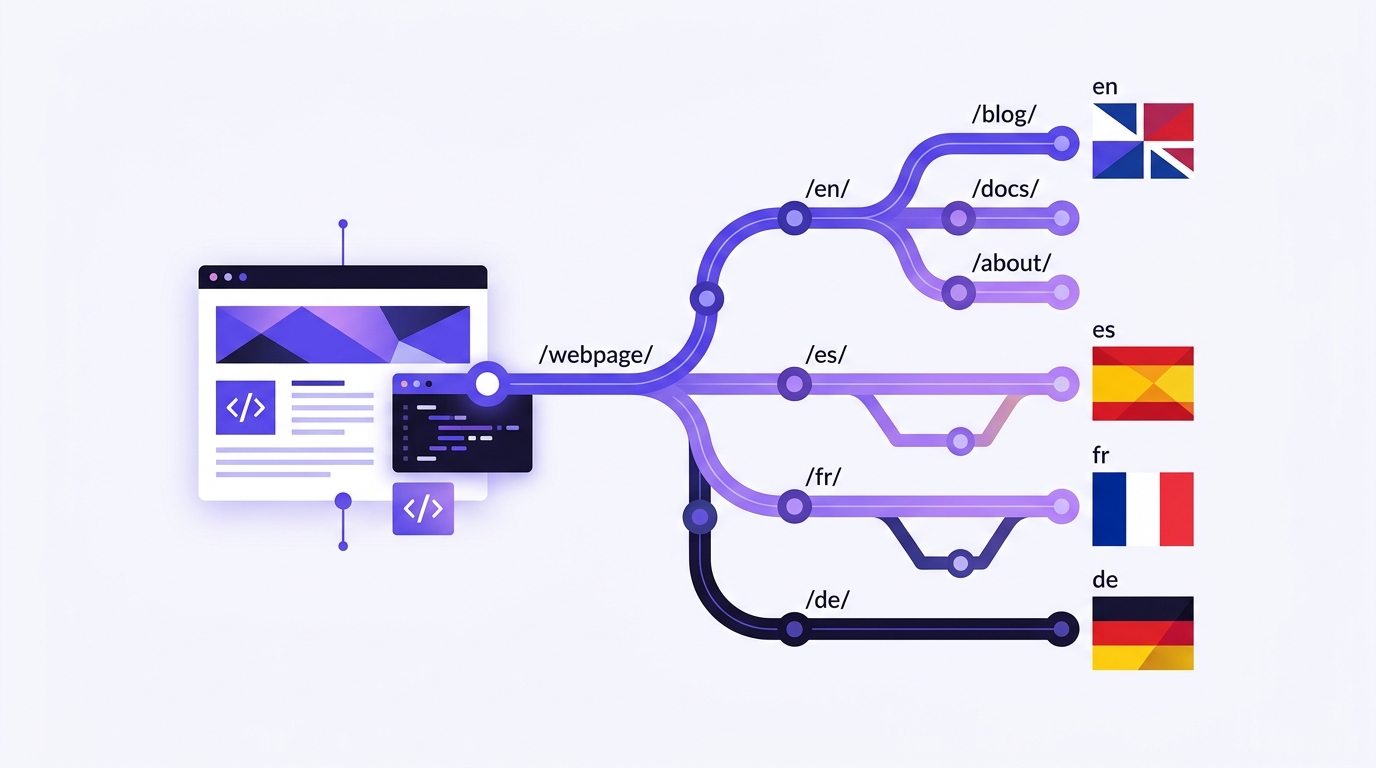
You publish the same page in Spanish and English. For you, they are two versions of the same content; for Google, if you don't explain it, they are two pages that compete with each other. The tag hreflang is that explanation.
To the point: hreflang does not improve your position. What it does is make Google show the correct version to each user and not penalize your pages for resembling each other.
What exactly is it
It's a tag in the <head> of each page that says «this same page also exists in these other languages, and it's here»:
<link rel="alternate" hreflang="es" href="https://tumarca.com/servicios/">
<link rel="alternate" hreflang="en" href="https://tumarca.com/en/services/">
<link rel="alternate" hreflang="x-default" href="https://tumarca.com/servicios/">
The three rules almost everyone breaks
1. It has to be reciprocal
If the Spanish page declares the English one, the English one must declare the Spanish one. An hreflang that points to a page that doesn't return the favor is completely ignored by Google.
2. Each page self-declares
The list of alternatives also includes the page you are on. It seems redundant and is mandatory.
3. The canonical points to itself
This is the most expensive error: setting the canonical of the English version to point to the Spanish one. With that, you are telling Google that the English version should not be indexed. Each language is canonical to itself.
Language or language + country
Use only the language code (en, fr) unless you have truly different content per country. If you sell with different prices and conditions in Mexico and Spain, then yes: es-ES y es-MX. If the text is the same, complicating it only adds points of failure.
And the x-default
x-default marks the version shown to those who don't fit into any declared language. Normally, your main language or a language selector.
How to check that it's correct
- Open a translated page and look at the source code: search for
hreflang. All versions must appear, including that one. - Do the same on the original version and check that they point to each other.
- Check that the
canonicalof each one points to itself. - In Search Console, submit a sitemap per language and monitor the indexed pages report over the following weeks.
What a well-made plugin does
All of the above should be automatic. WP-Translate generates the reciprocal hreflang block, the correct canonical, and a sitemap per language as soon as you activate the second language, without you having to touch the <head> nor install anything else. If your current plugin forces you to add tags manually, you are paying to do the work yourself.