
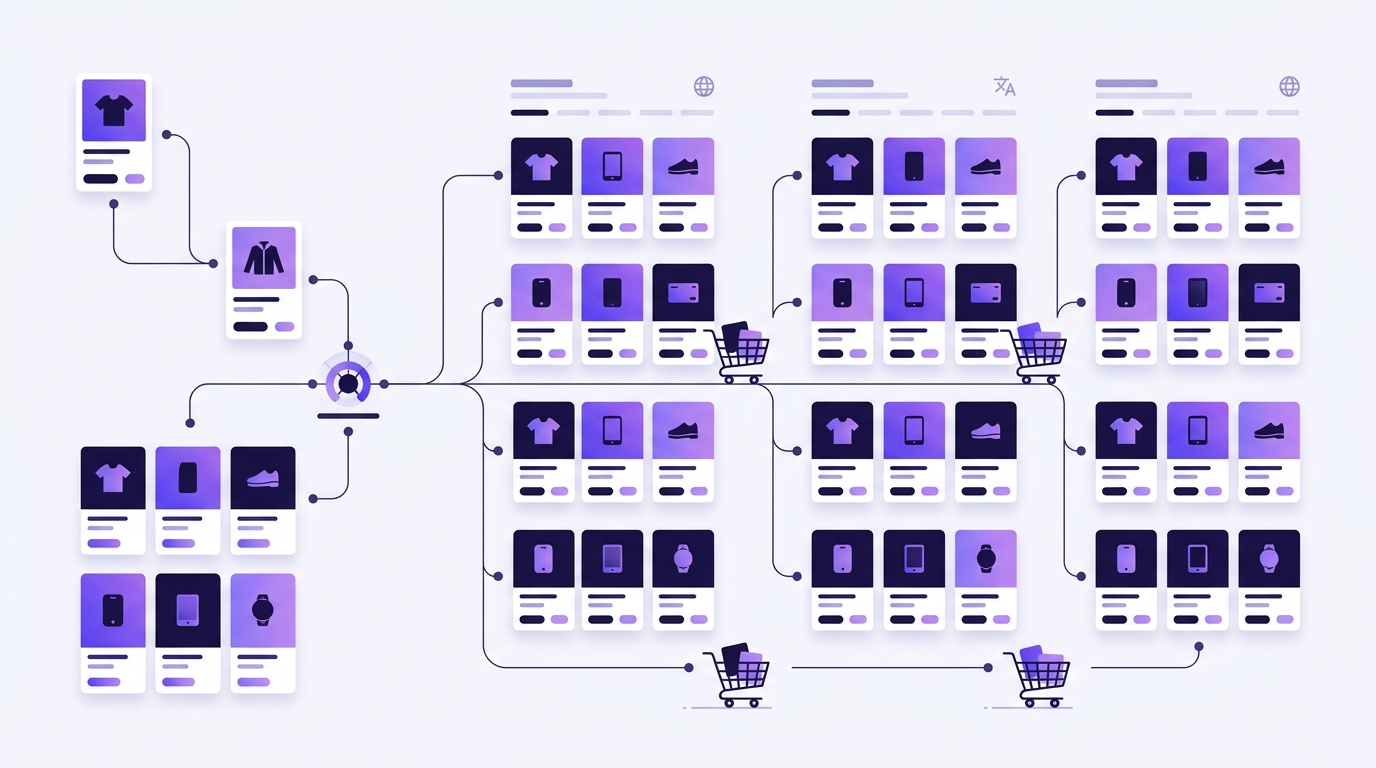
A store is not a website with more pages: it's a website with much more text distributed in less obvious places. Before launching the translation, it's advisable to know where everything is.
The real inventory of a store
- Product pages: name, long description, short description.
- Categories and tags of product, with their descriptions.
- Attributes and variations: «Size», «Color», and also their values («Red», «Medium»).
- Store's own texts: «Add to cart», «Complete purchase», stock notices, error messages.
- System pages: cart, payment, my account, return policy.
- Transactional emails: order confirmation, shipping, refund. Almost everyone forgets them, and they are the ones the customer reads most carefully.
To the point: starts with store texts and emails, not product pages. A half-translated catalog is understood; a half-translated checkout is not completed.
The order that works
- System texts and checkout. They are few strings and affect all purchases.
- Categories and navigation. So that the entire store can be browsed in the new language.
- The 20 best-selling products. Manually reviewed.
- The rest of the catalog, automatically and in the background.
How not to skyrocket translation costs
The price of a translation API is per character. In a store, a lot of text is repeated: the same attributes, the same warranty phrases, the same shipping notice on each product page.
A plugin with translation memory saves each already translated string and does not call the API again when it reappears. In a catalog of 400 products with similar descriptions, the difference between having memory and not having it can be a factor of ten in the bill.
And the glossary
Add your product and brand names to the glossary before launching the batch. Translating «Pack Origen» to «Origin Pack» on four hundred product pages and having to undo it is a lost afternoon.
Multilingual store SEO
Each translated product page needs its own indexable URL, its hreflang, and its translated title and description. If you also use Yoast, check that the translation plugin also translates its metadata: it's text that Google reads and often remains in Spanish due to oversight.
Y vigila la velocidad: cada idioma nuevo multiplica las páginas que Google rastrea y que tus clientes cargan, así que conviene tener la tienda afinada antes — esta guía de WPO para acelerar WordPress cubre lo esencial.
Before publishing
- Make a complete test purchase in the new language, until you receive the confirmation email.
- Check prices and currencies: translating is not converting currency.
- Review legal texts. Automatic translation absolutely needs human review there.