
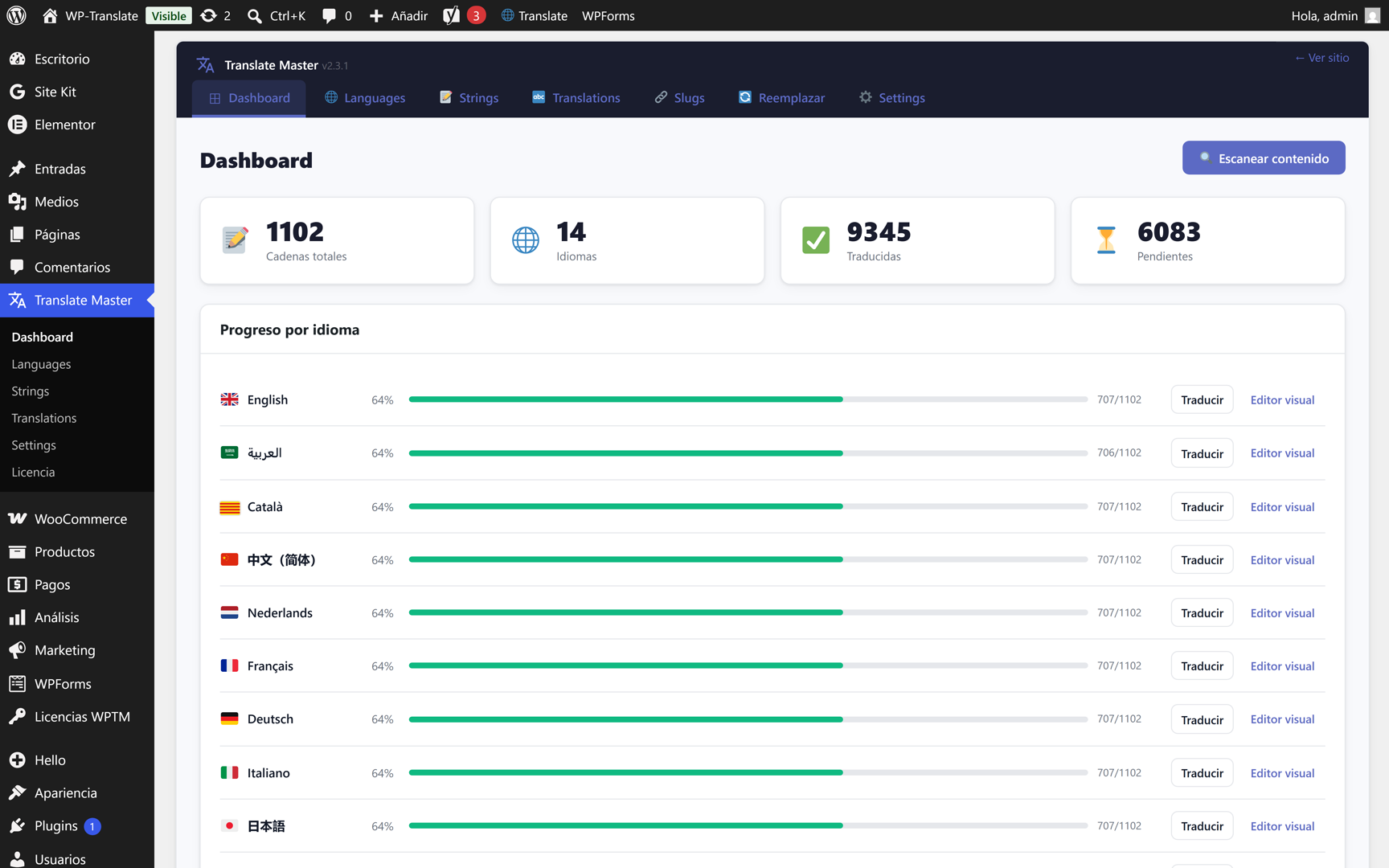
You already have the plugin, the languages, and the engines. What's missing is the most satisfying part: seeing your website change language instantly for each visitor, without anything getting out of place. And when you publish a new page, having it fully translated at once. That's what you see in this tutorial, with the real website on mobile.
To the point: a button, "Auto-translate page", instantly translates all the content of the page you are viewing. And on the front end, your visitor changes language with a tap on the selector: the design remains intact and each language has its own clean URL.
1. Change language, instantly
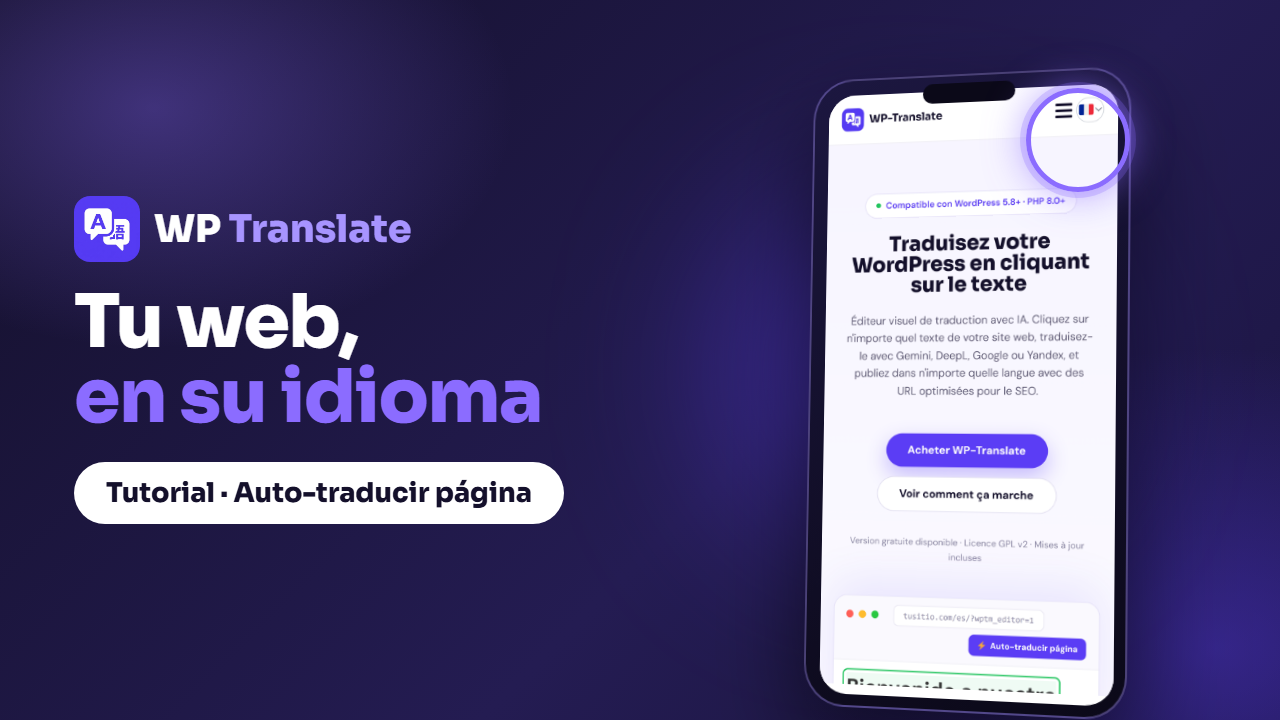
An elegant selector appears at the top of your website. Your visitor chooses their language with a single tap and the entire page is displayed translated without clumsy reloading or breaking anything. It looks native, not "translated".
2. The design, intact
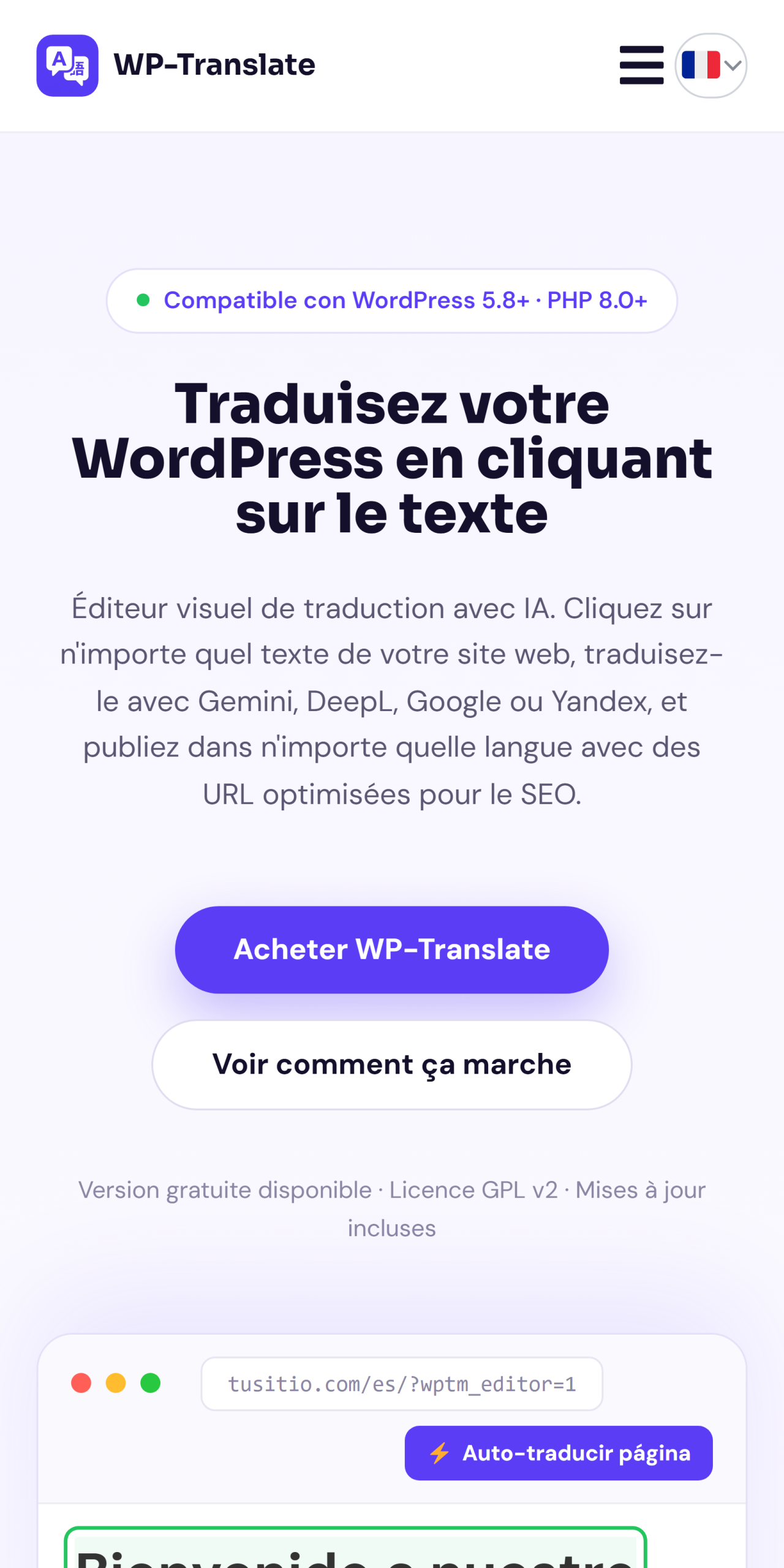
Everyone's fear with translations is that longer text will break the layout. With WP-Translate, content is replaced while respecting your design: margins, columns, and buttons remain in place. On mobile, where everything is narrower, this is even more noticeable.
3. A clean URL per language
Each language has its own address (/es/, /fr/...). In addition to being correct for SEO, it allows sharing the direct link to the version in a specific language. Google indexes each one separately and you gain visibility in each market.
4. New pages, ready instantly
Have you just published a page? No need to translate string by string: you press "Auto-translate page" and the plugin leaves it entirely in the active language at once. Ideal for landing pages, press releases or any page you want to have in all languages now.
Quick questions
Does "Auto-translate page" translate the entire website? Translates the page you are viewing, completely. For the entire website at once, you use the batch translation from the Translations panel.
Can I tweak something afterwards? Yes. Everything the button translates can then be refined with the visual editor or from the translations panel.
Does it work well on mobile? Yes, and it's where it's most appreciated: the selector and layout are designed for small screens.