
You publish a new page, and the English version... is already done. That's the auto-translation on save of WP-Translate: every time you publish or save a page —even from Elementor—, it translates the slug and new content with your configured engine, in the background, without blocking the editor. It is configured in one minute:
To the point: When saving a page, WP-Translate automatically translates the slug and new content with your engine. It runs in the background (wp-cron), it works also from Elementor, and a security limit per language prevents your API quota from being exhausted.
1. The card, in Settings
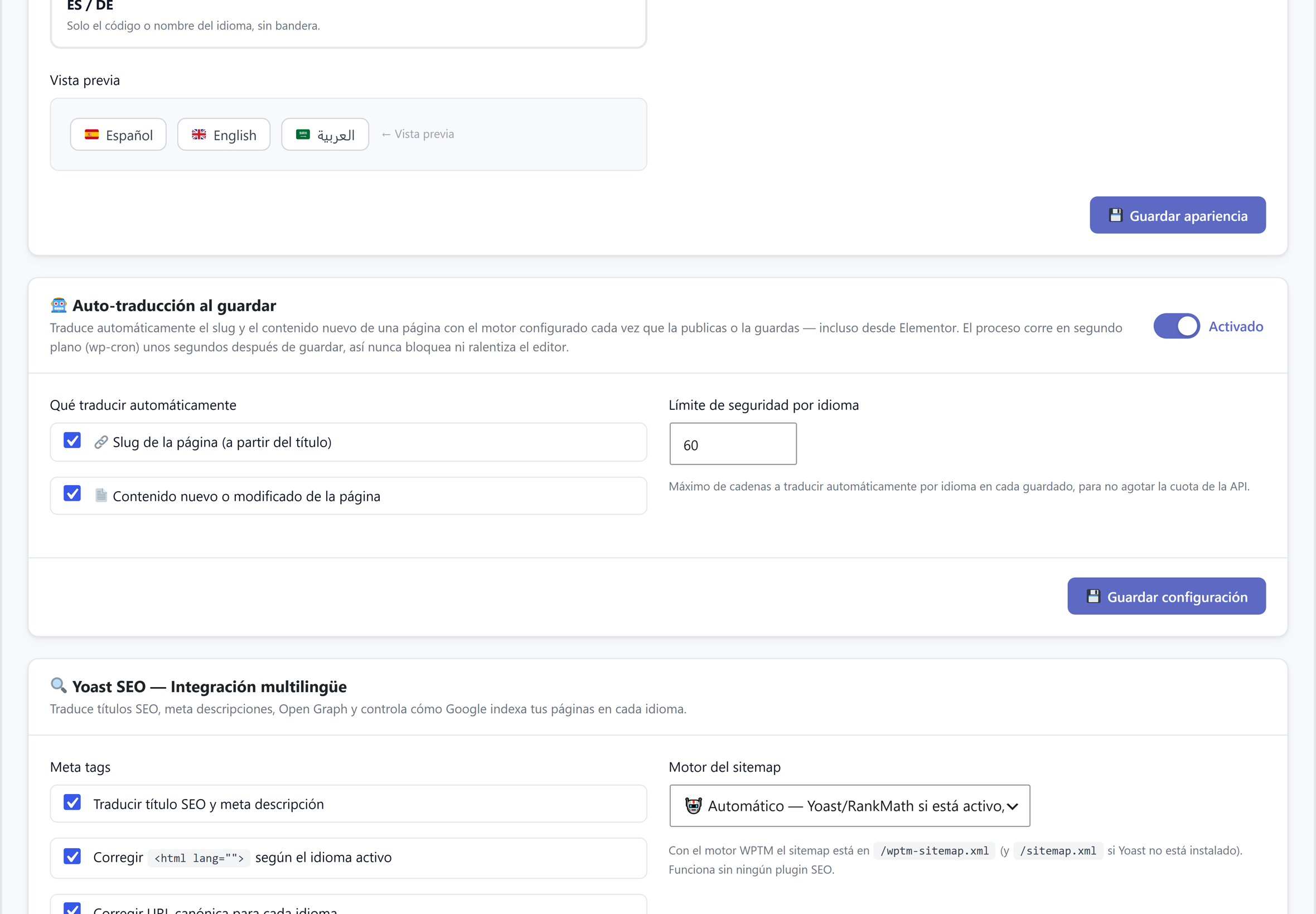
In Settings you will find the card «Auto-translation on save». The process runs a few seconds after saving, in the background: it never blocks or slows down the editor.
2. Turn it on with a click
The switch activates the section and its options are enabled instantly. There is nothing else to install or program.
3. The security limit
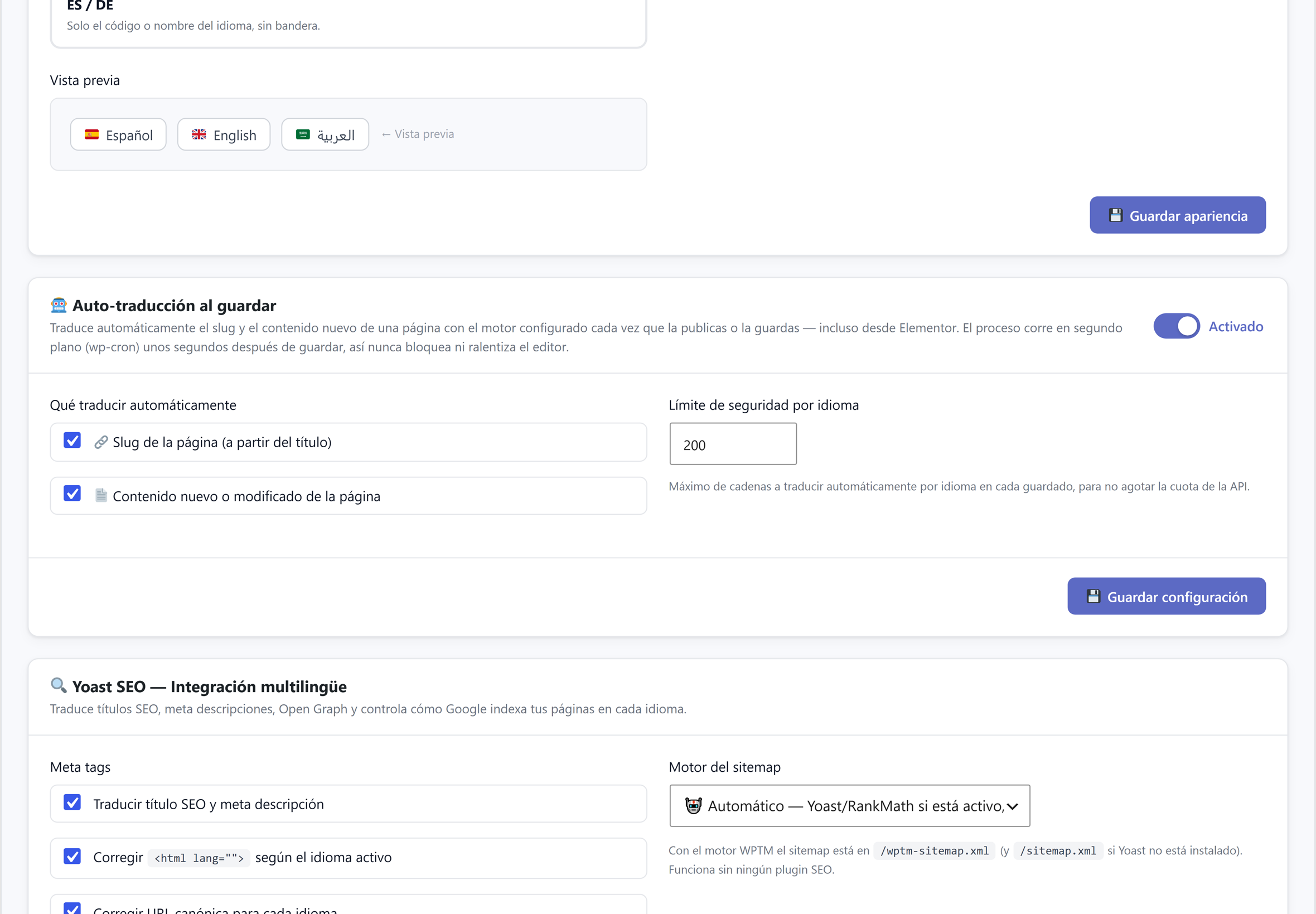
The field «Security limit per language» sets the maximum number of strings that are automatically translated with each save. It ensures that a save with a lot of new content doesn't consume your translation API quota. Increase or decrease it according to your plan.
4. What it translates only
Two checkboxes: the page slug (generated from the translated title) and the new or modified content. Check what you want to automate, click "Save settings" and forget about it: every new publication already comes with its translations in progress.
Quick questions
Does it work with Elementor? Yes: saving from Elementor also triggers auto-translation.
Does it slow down the editor? No: it runs in the background with wp-cron, a few seconds after saving.
What if the saved content has a lot of text? The security limit cuts at the maximum you set; the rest remains pending for the next save or to be translated from the panel.