
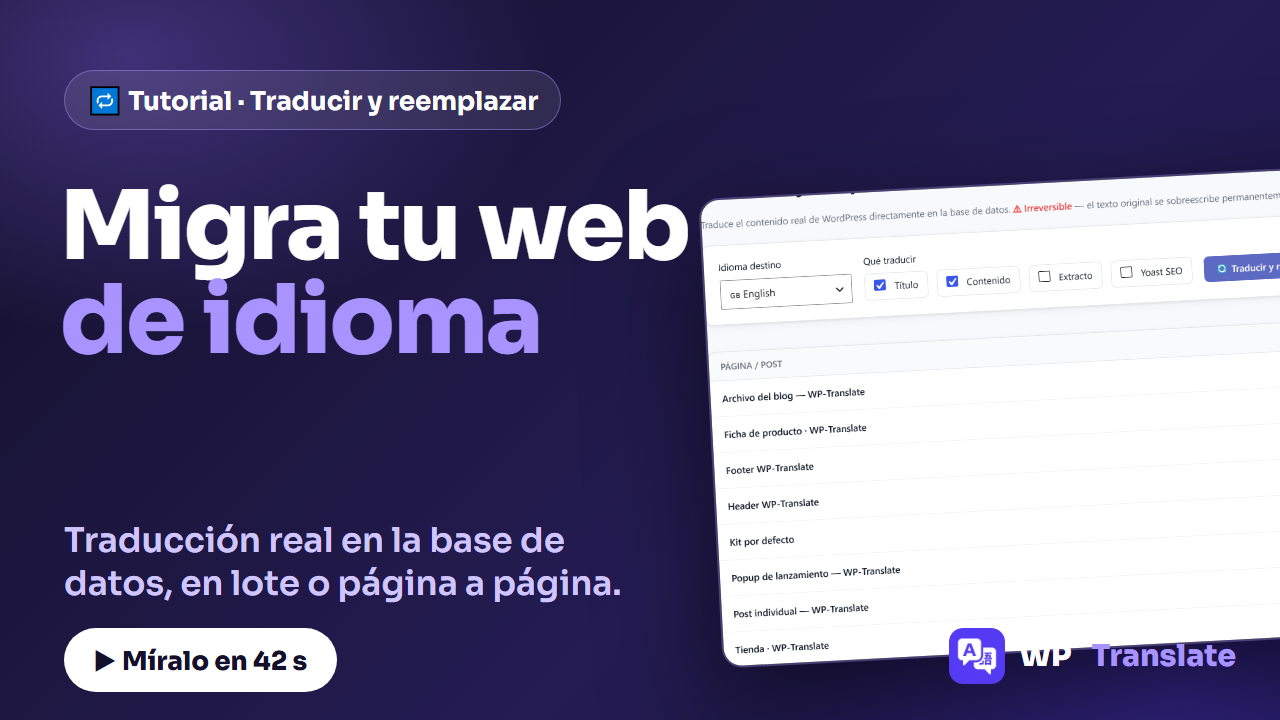
There's a case that no language selector solves: you want your website to changes from being in one language to being in another. Not serving two versions: migrating. For that, the tab exists "Replace" of WP-Translate, which translates the actual WordPress content and replaces it directly in the database. I'll show you in 42 seconds:
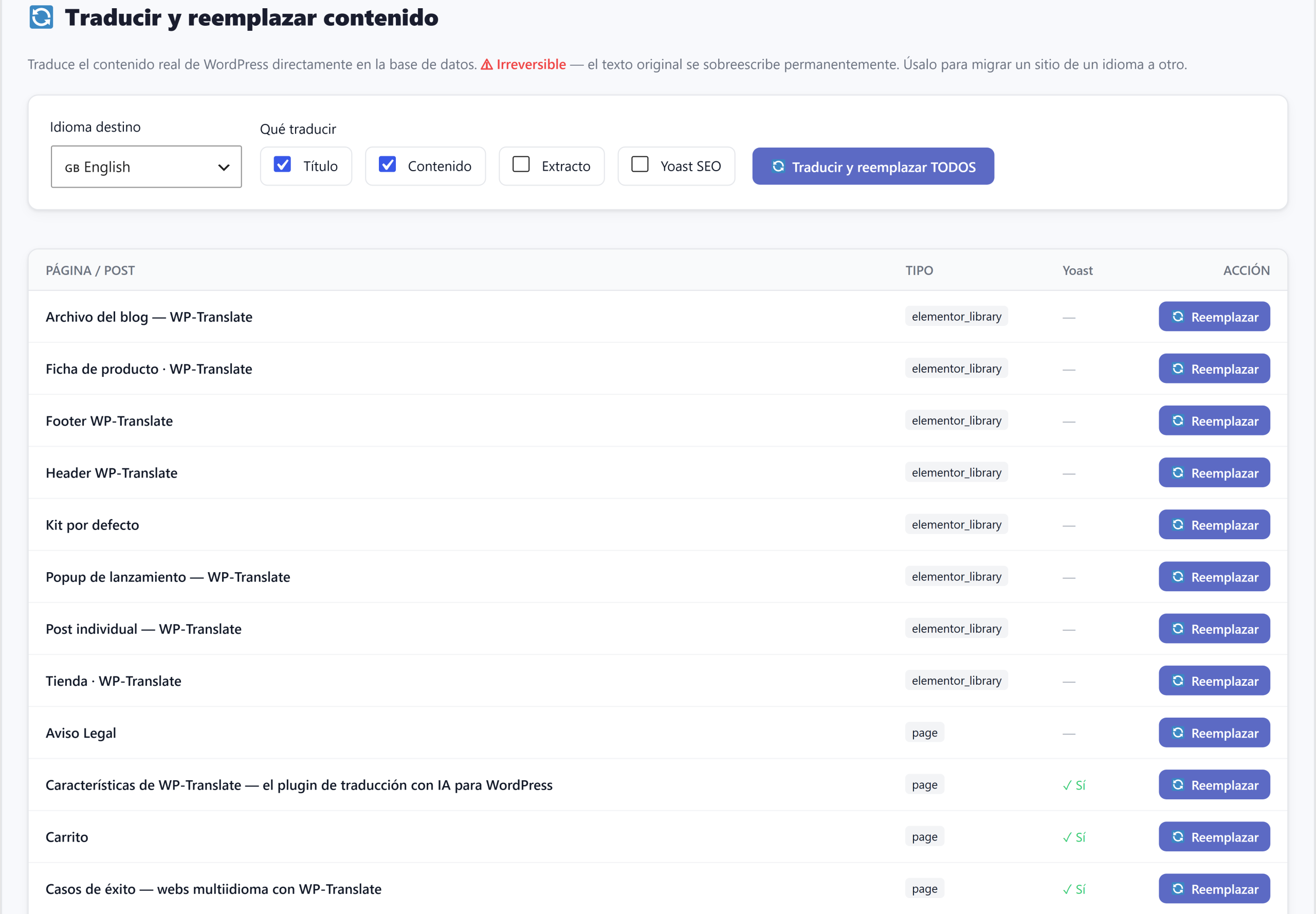
To the point: "Replace" translates the actual content and overwrites it — the panel itself warns that it is irreversible. You choose target language, you check what to translate (title, content, excerpt, Yoast SEO) and you launch it in bulk o page by page with the button on each row.
1. What it does (and what it warns about)
The header says it bluntly: it translates WordPress content directly in the database and the original text is permanently overwritten. It is the tool for migrate a site from one language to another, not for serving parallel versions (for that, the plugin's normal languages are already available).
2. Choose the target language
The dropdown lists all your languages. In the video, from English to French: everything that is replaced will be written in French.
3. Check what to translate
Title, content, excerpt y Yoast SEO. The "Yoast" column in the table tells you which pages have SEO metadata to migrate.
4. In bulk or page by page
Two paces: "Translate and Replace ALL" goes through the entire list at once, with its progress bar; and each row has its own button "Replace" to go one by one, which is prudent the first time.
Quick questions
Can it be undone? No: the original is overwritten. Back up first.
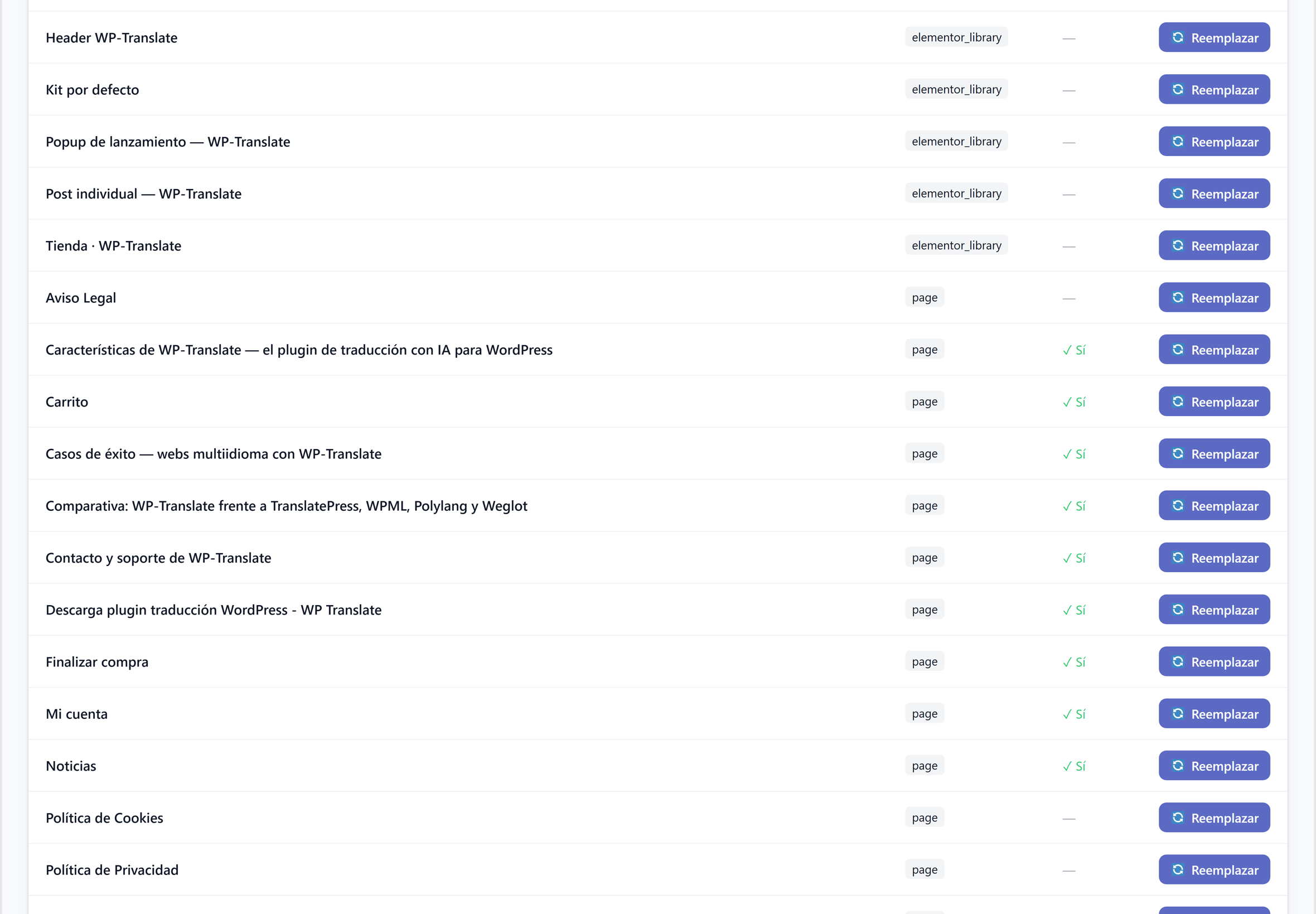
Does it also replace Elementor templates? Yes: pages, posts, and templates (header, footer, cards…) appear in the list.
When to use this and when to use normal languages? Normal languages to serve your website in several languages at once; "Replace" only when you want to change the language of the original content.