
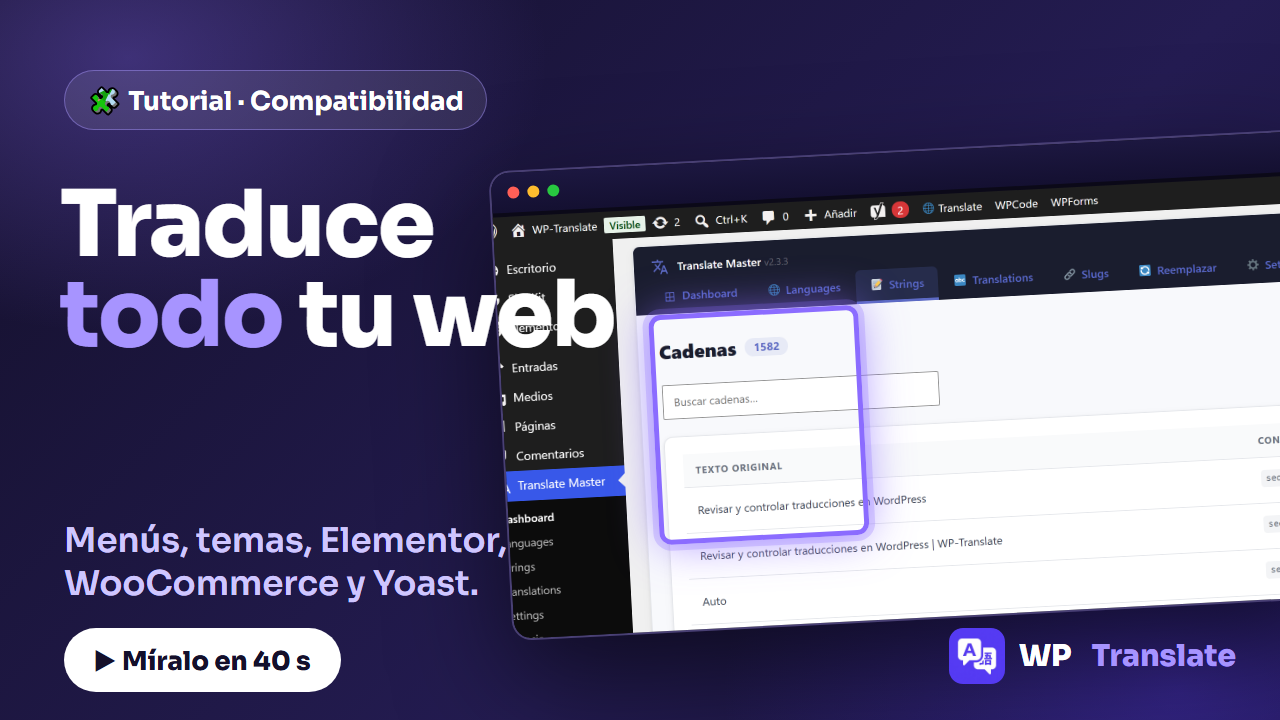
The question everyone asks before installing a translation plugin is the same: «will it work with my theme and my plugins?». With WP-Translate the answer is yes, because it doesn't just translate posts and pages: it detects the text of your entire WordPress. I'll show you.
To the point: WP-Translate detects text from menus, themes, plugins and SEO, shows the context and origin of each string (Yoast, theme or plugin), coexists with Elementor, WooCommerce and WPForms, and with one click scans your entire website.
1. Detects all the text on your website
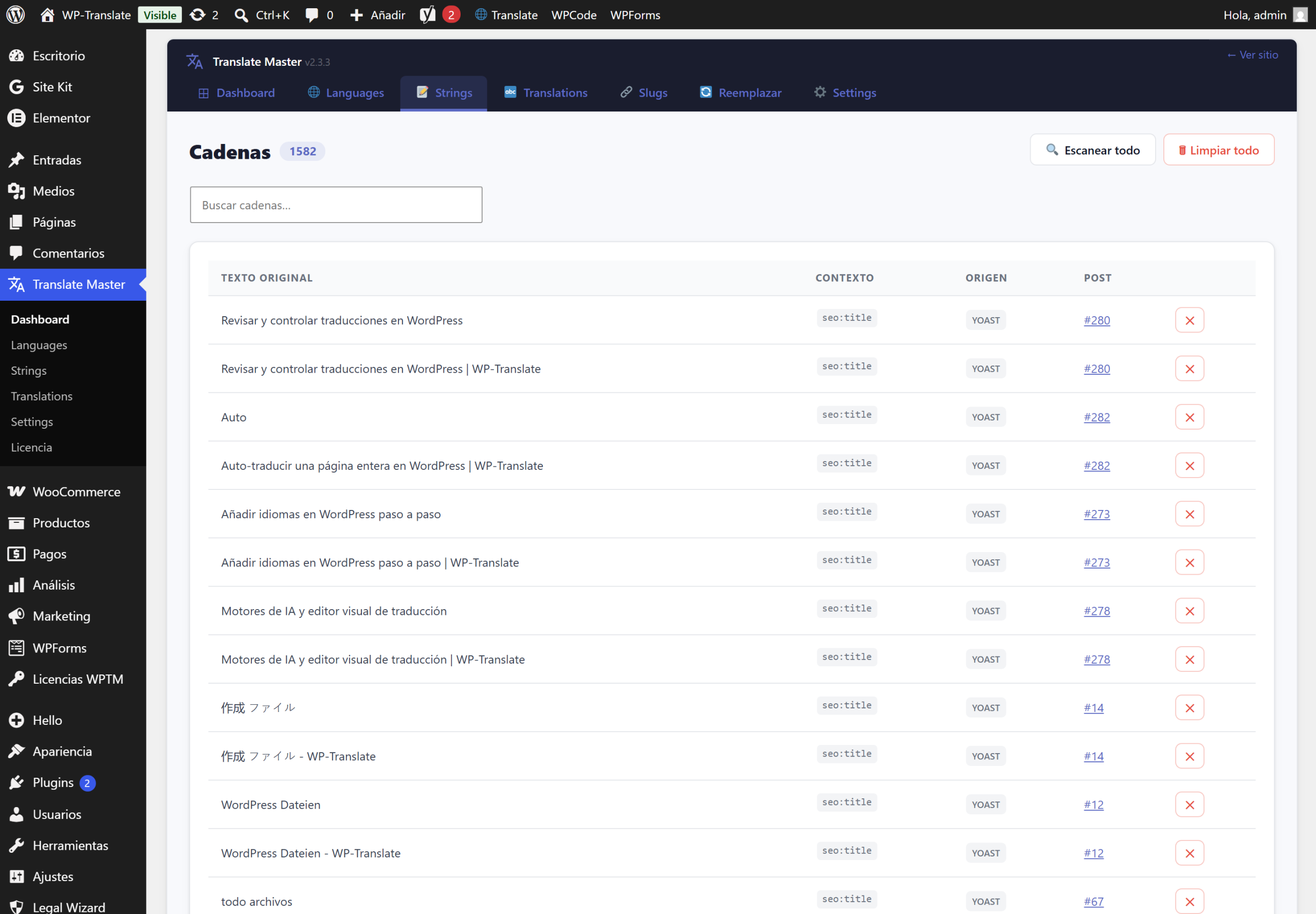
Menus, theme strings, plugin texts, SEO titles and descriptions… everything counts. In the tab Strings you see the total number of strings found on your site —in the example, more than fifteen hundred— ready for translation. Nothing is left half-done in one language and not in another.
2. Knows where each string comes from
Each row shows the context (for example seo:title) and the origin of the string: whether it comes from Yoast, the theme, or a plugin. This way you know exactly what you are translating and where it comes from, without guessing.
3. Coexists with your plugins
WP-Translate doesn't fight with the rest of your WordPress. It works alongside Elementor, WooCommerce, WPForms and the plugins you already use. It doesn't replace your ecosystem: it integrates into it and translates what those plugins display.
4. And you scan it all at once
How does it get to all that text? With the button "Scan all". One click and WP-Translate scans your entire website, collects every string, and leaves it ready in the list for you to translate whenever you want.
Quick questions
Does it work with my theme? Yes. It detects theme strings just like post and page strings.
And with Elementor or WooCommerce? Yes, it coexists with both and translates the content they generate.
Do I have to scan every time? No. You scan when you add new content; what has already been detected remains in the list.