
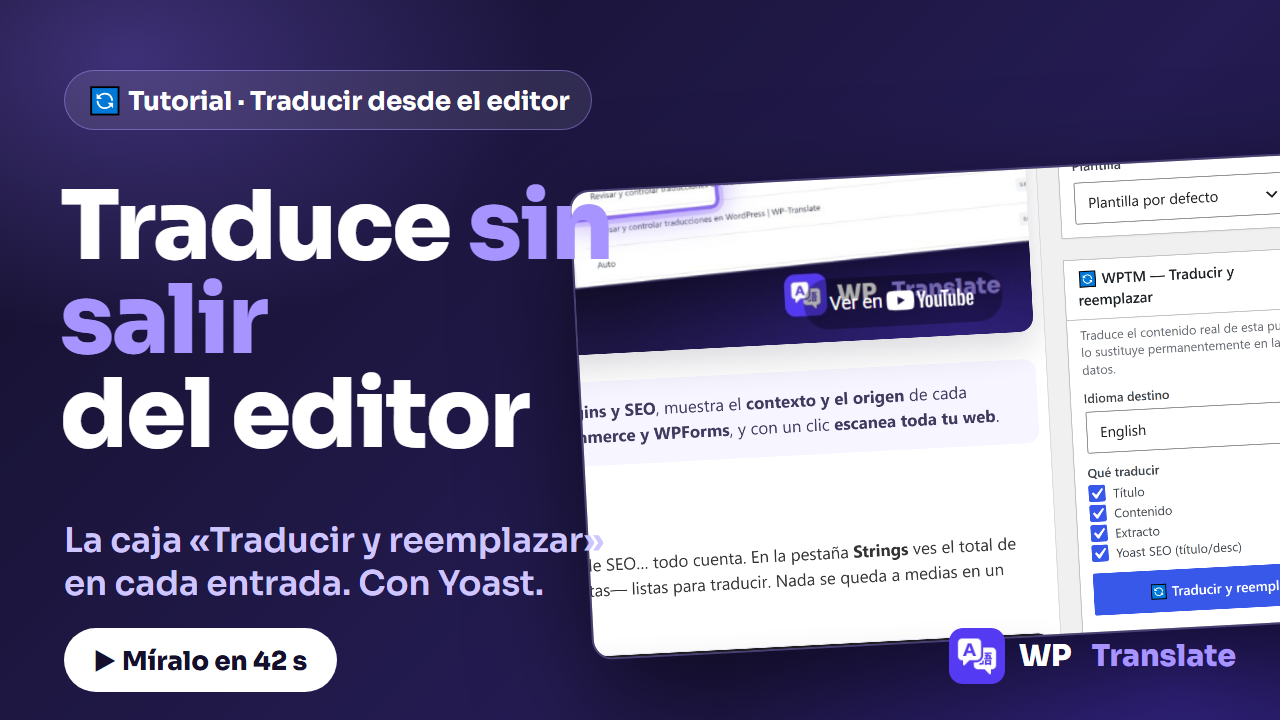
You are reviewing a post and want to have it in another language. Without changing screens and without looking for it in the panel: WP-Translate adds a box "Translate and Replace" in the editor itself, which translates the actual content of that publication and replaces it where it lives, in the database. This is how it works:
To the point: The box appears when editing any post or page. You choose the target language, you check what to translate (title, content, excerpt, and Yoast SEO) and the button translates with your engine and permanently replaces the content. Designed to migrate content from one language to another.
1. The box, in your editor
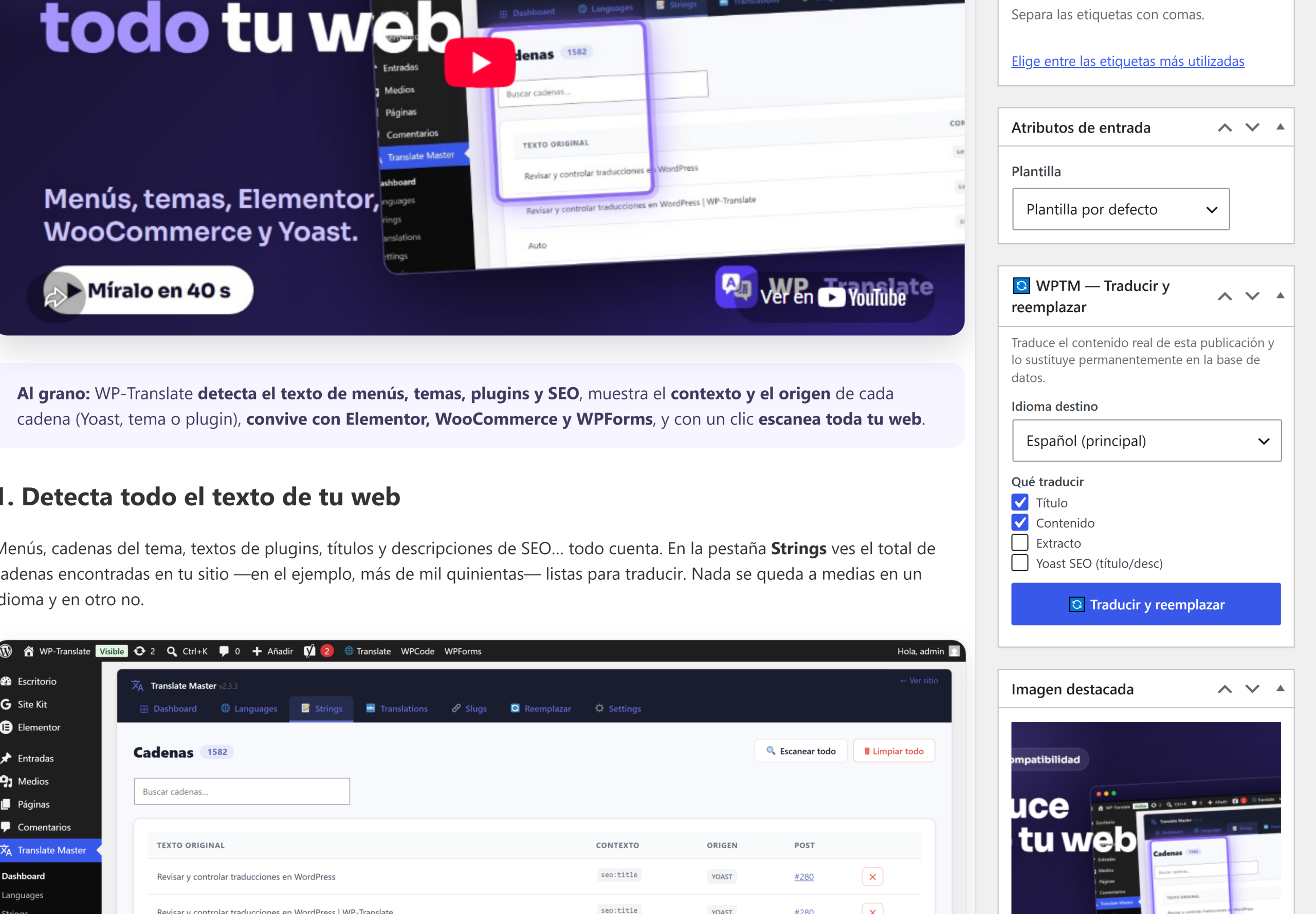
When you open any post or page you will see "WPTM — Translate and Replace" in the sidebar, next to the other WordPress panels. You don't have to go to the plugin panel: the translation is done where you are already working.
2. Choose the target language
The dropdown lists all the languages of your site. Choose the destination —for example, from Spanish to English— and that's it: no more configuration to do.
3. Check what to translate
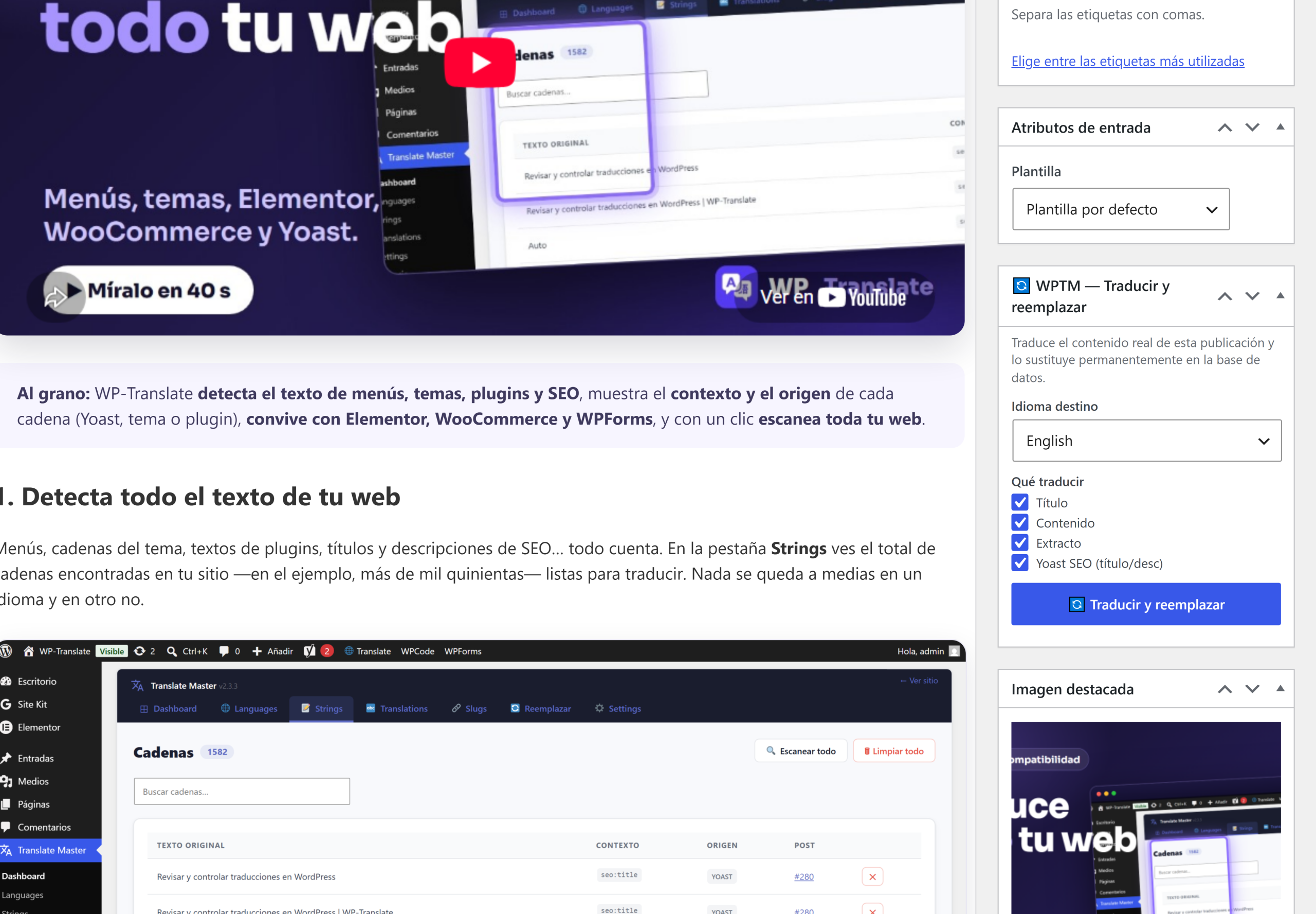
Four checkboxes: title, content, excerpt y Yoast SEO (title and description). What you check is translated; what you don't, stays as is.
4. The button does it all — and it's permanent
"Translate and Replace" translates with the engine you have configured and replaces the original content in the database. It doesn't create a copy: it replaces. That's why it's the perfect tool for migrate a site from one language to another, and that's why it's advisable to use it wisely (and with a recent backup, like any permanent change).
Quick questions
How is it different from translating from the panel? The panel translates and serves the translation next to the original; this box replaces the post content.
Does it work with pages and custom content types? Yes, it appears on all public content types.
Can I undo it? Not from the plugin: the replacement is permanent. Back up before migrating content.